
Quality Products - Exceptional Service - Quick Shipping
Find the agricultural replacement parts you need, at a price you deserve.





Cathy B
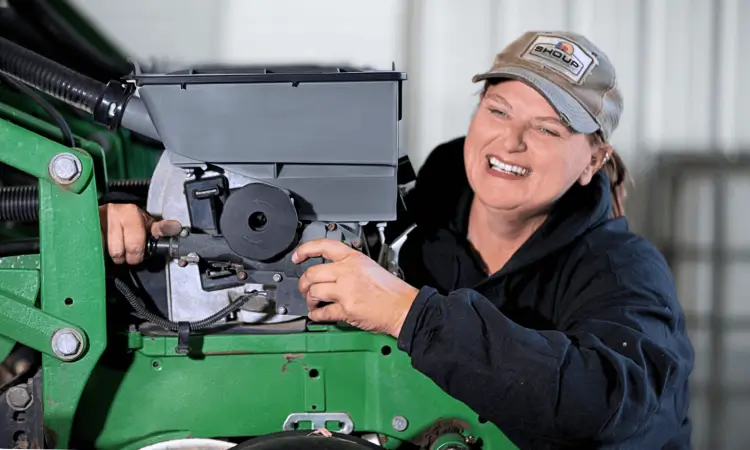
Cathy Berry, of Berry Farms, knows a thing or two about quality. Since 1992, Shoup has been her family's trusted source for farm equipment parts. It all started at the Farm Progress Show in Wisconsin, where the Berry family stumbled upon a Shoup catalog. They've relied on Shoup's quality parts ever since. Just like Cathy, countless farmers around the world rely on Shoup for their farm's needs.

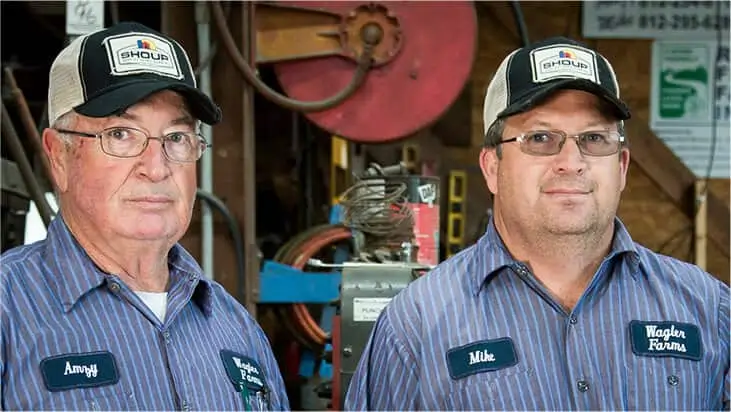
Mike W
"Farming has a lot of moving parts… it’s a constant battle to keep up with those moving parts. One of the best things that we’ve found through the years is to have parts readily available when we need them, and to have good service. Shoup Manufacturing has been the one that we sought out over and over. They’ve helped us go to the field with confidence."

Chris V.
"I like ordering parts from Shoup because the soil we have around here wears the parts out. Shoup’s parts last, and I don’t have to replace them every year."

Andy F.
"I choose Shoup for price, quality, and overnight shipping. If we call at 4 o’clock in the evening, I have my parts by 2 o’clock the next day. I can’t afford downtime. When we’re working, we need to be moving through the field."

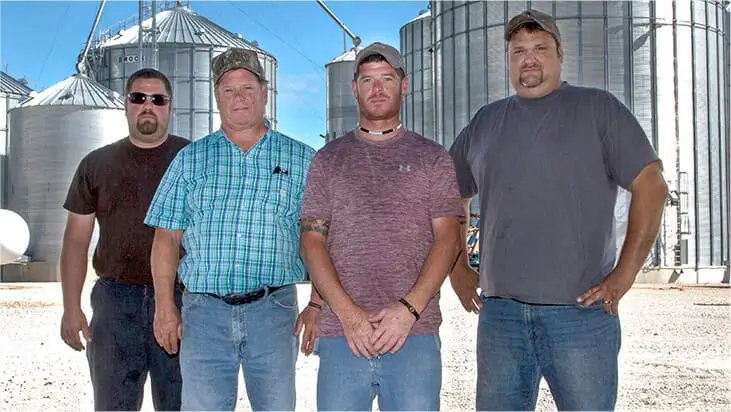
David & Dwight J.
"We’ve been ordering from Shoup for twenty years. That’s the first book we go to when we need parts. We’ll talk to a Shoup representative and they will ship us new parts right away."